> For the complete documentation index, see [llms.txt](https://willow-watchface.ammarptn.com/llms.txt). Markdown versions of documentation pages are available by appending `.md` to page URLs; this page is available as [Markdown](https://willow-watchface.ammarptn.com/troubleshooting/why-my-watch-face-is-disappear-after-update-to-version-5.0-and-how-to-fix-it.md).
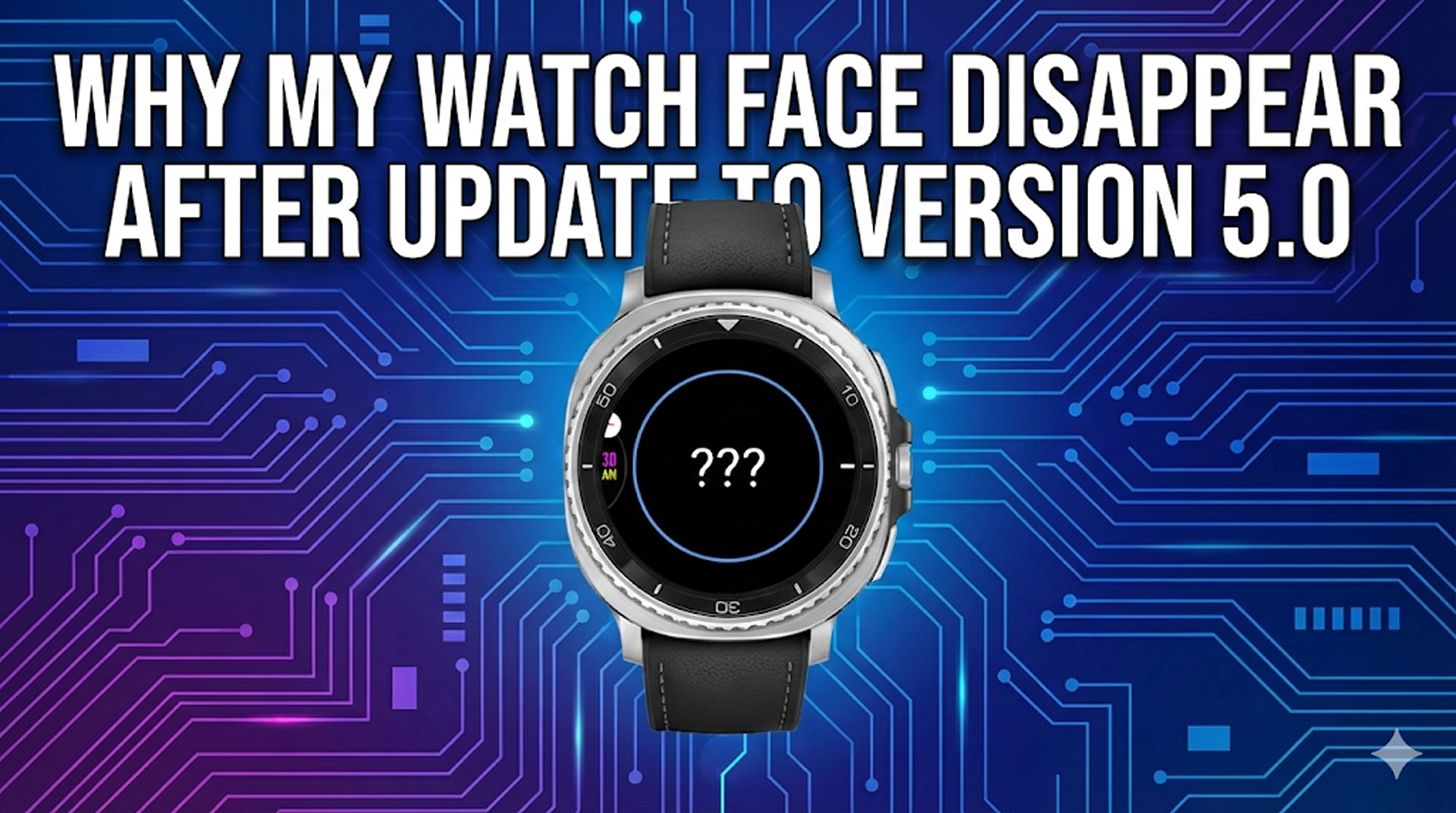
# Why my watch face is disappear after update to version 5.0 and how to fix it?
## Why my watch face is disappear after update to version 5.0 and how to fix it?
**Don't panic! Your upgrade is just one tap away.**
If you recently updated to Willow version 5.0.0, you might have noticed something startling: your watch face has disappeared from your watch list. We understand this can be confusing, but there is a good technical reason for it—and an easy fix.
### The Big Change: Moving to WFF 🚀
In version 5.0.0, we completely rebuilt the Willow engine using Google's new **Watch Face Format (WFF)**. This isn't just a small tweak; it's a massive leap forward.
* **Better Battery Life**: The new format is far more efficient.
* **Smoother Performance**: Animations and transitions are cleaner.
* **Future Proof**: This ensures Willow remains compatible with the latest Wear OS features for years to come.
### Why did it disappear?
Because the underlying technology changed so drastically (from our legacy renderer to the new WFF standard), the update process technically acts as a "replacement" rather than a simple patch. The system had to uninstall the old "Legacy" version to make room for the new "WFF" version. Unfortunately, this means your currently active face was removed in the process.
### The Solution: Send It Again ✅
The good news is that your settings are safe on your phone. You just need to tell your watch to display the new version.
#### Step-by-Step Fix:
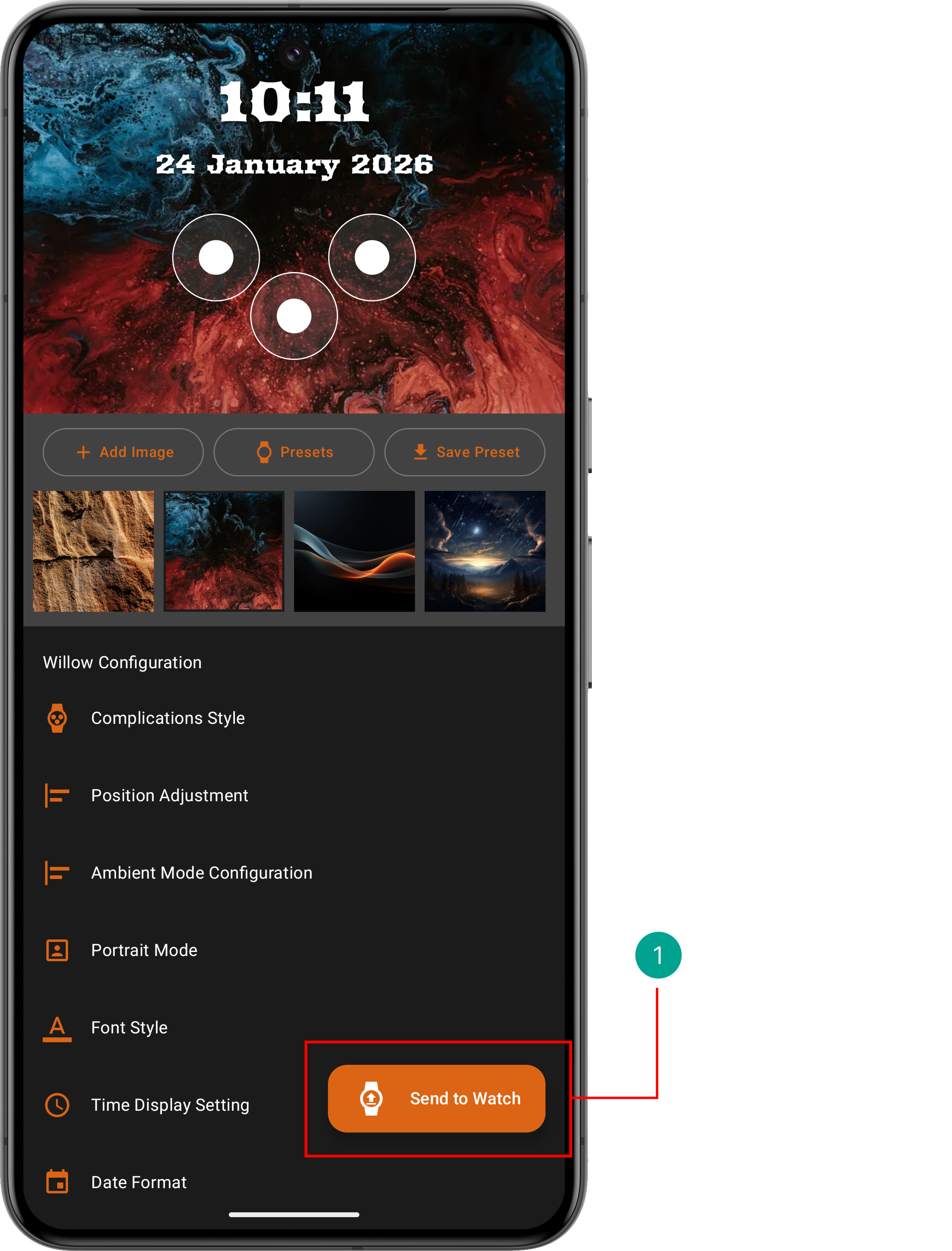
1. **Open the Willow App** on your phone.
2. Go to your **Configuration Screen** (Photo or Motion).
3. Ensure your watch is connected via Bluetooth.
4. Tap the large **"Send to Watch"** button at the bottom.
5. Wait a moment for the transfer to complete.
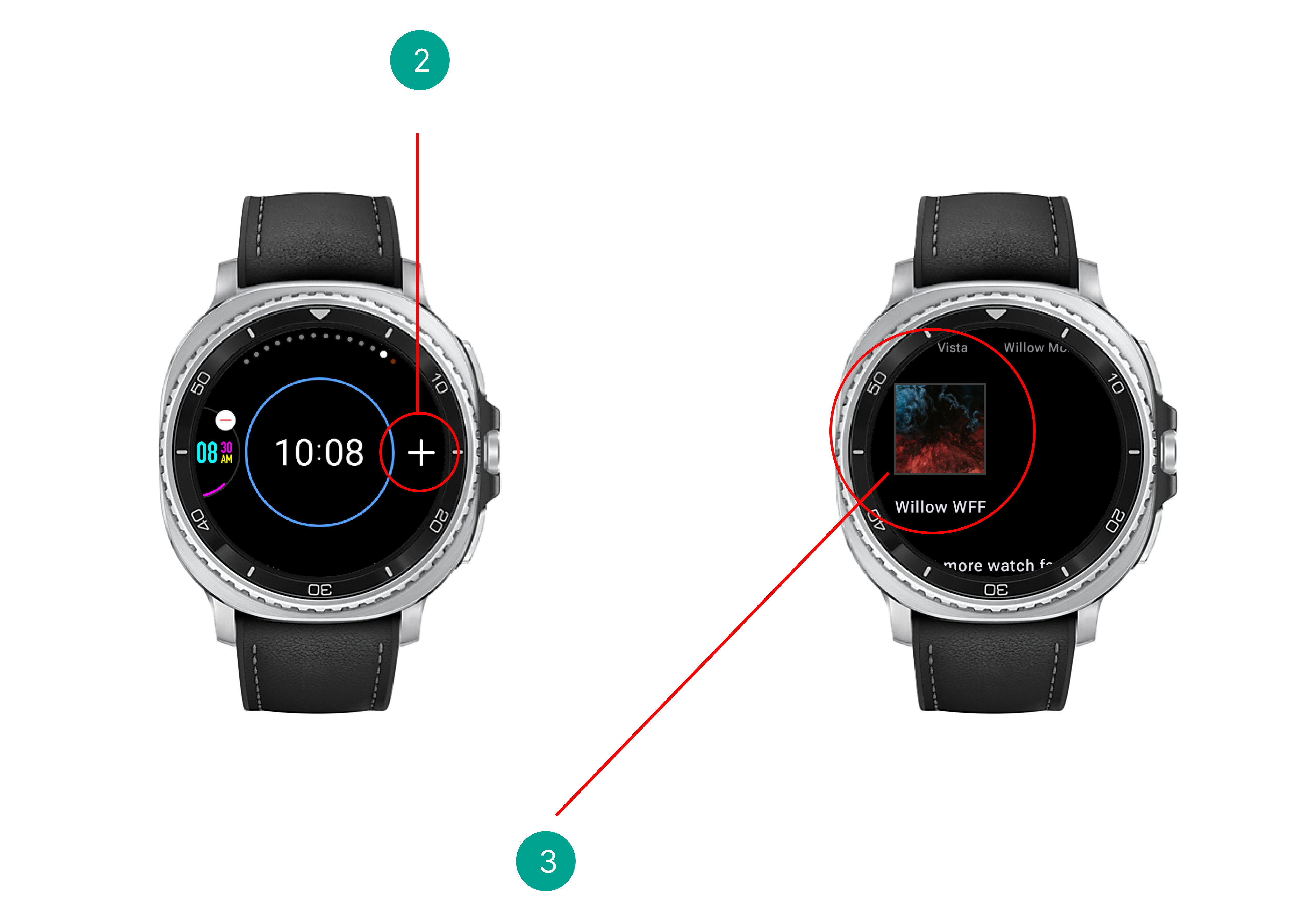
Once finished, select the new Willow face on your watch, and you are back in business—faster and more efficient than before!
***
**Thank you for your patience as we transition to this superior technology.**